You can find lists online with thirty or forty “must-have” Korean apps. I think that is the wrong way to start.
When you first arrive, install the apps that solve real problems. Add the rest when your life actually requires them.
1. Naver Map or KakaoMap
For everyday navigation in Korea, learn one of the major Korean map apps. They are especially useful for local addresses, bus routes, subway exits and businesses.
Google Maps can still be useful for some purposes, but I would not make it my only navigation tool in Korea.
2. Papago
A translation app is invaluable while your Korean develops. Papago is particularly useful for Korean text, menus, signs and short conversations. Use translation as support rather than expecting every sentence to be perfect.
3. Your bank’s app
Once your Korean bank account is established, mobile banking becomes part of normal life. Set it up carefully while you still have easy access to branch support.
4. KakaoTalk
KakaoTalk is deeply embedded in Korean communication. Friends, workplaces, businesses and community groups often use it. If you live here long term, you will probably encounter it quickly.
5. Shopping and delivery apps
Coupang, Naver shopping services and food-delivery platforms can be extremely convenient once your Korean phone, address and payment methods are working. Do not worry if these feel difficult on day one; digital life becomes easier after your identity setup is complete.
6. Transportation apps
Your map app may already cover much of what you need. Depending on how you travel, rail or intercity-bus apps can also be useful. Install them when you start making those journeys rather than filling your phone immediately.
My starter recommendation
If you have just landed, start with maps, translation and messaging. Then add banking. Shopping, delivery, rail and specialist apps can follow naturally.
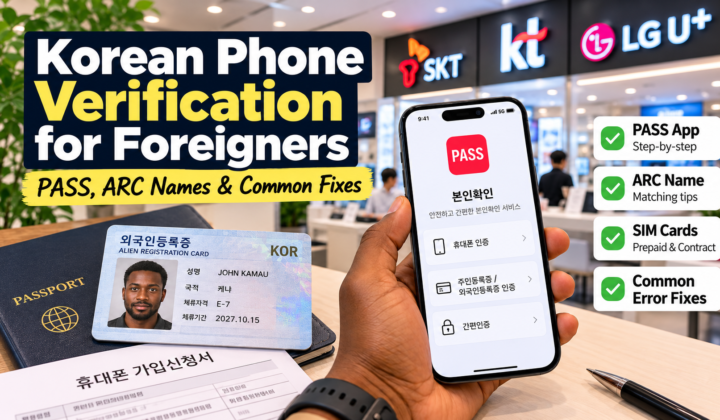
The bigger issue is often not the app itself but Korean identity verification. My guide to getting a Korean phone number. Once your phone verification is working, the next useful step is setting up a Korean bank account explains why the phone becomes such an important part of digital life.
Before setting up Korean apps: make sure your mobile number is registered correctly. My phone verification guide for foreigners explains PASS and the common name-format problems.