You’ve entered your phone number.
You’ve entered your name.
You’ve entered your date of birth.
You click Verify.
Error.
You check everything again. It looks correct. You try once more.
Error.
You remove a space from your name. Error. You put the space back. Error.
At this point, you start wondering whether Korea has quietly decided that you no longer exist.
Welcome to Korean mobile identity verification.
If you’ve lived in Korea as a foreigner for any meaningful amount of time, you’ve probably encountered this at least once. I certainly have. The good news is that once your information is registered properly, the system generally works very well.
Why Is Your Phone Number So Important in Korea?
In many countries, your mobile number is mainly used for calls, messages and receiving verification codes.
In Korea, it goes much further. Your phone number is commonly used as part of 본인인증 (bon-in-in-jeung) — identity verification.
Once I started living here, I quickly realised that mobile verification appears practically everywhere: banking, government websites, online shopping, hospital reservations, financial services, apps and membership accounts.
Someone asks for phone verification?
Of course they do. This is Korea.
Your Korean Phone Number Needs to Be Registered to You
Having a Korean number isn’t always enough. For long-term residents, what matters is having a phone number properly registered under your identity.
That normally means the information connected to your mobile account should match the information on your Residence Card. This is one reason I recommend getting your long-term mobile setup right after your Residence Card is issued.
If you’re still getting settled, read my Foreign Resident Card guide first, and then the Korean phone number guide.
The Foreign Name Problem
This is where things get interesting.
Foreign names can include first names, middle names, two surnames, spaces, hyphens and different name orders. Korean databases are not always equally enthusiastic about all those possibilities.
I’ve personally had identity verification fail because of something as simple as spacing, capitalisation or entering my name in a different sequence from the way it appeared on my Residence Card.
Nothing was wrong with my identity. The computer just wanted my identity expressed in exactly the right way.
First Rule: Copy Your Residence Card
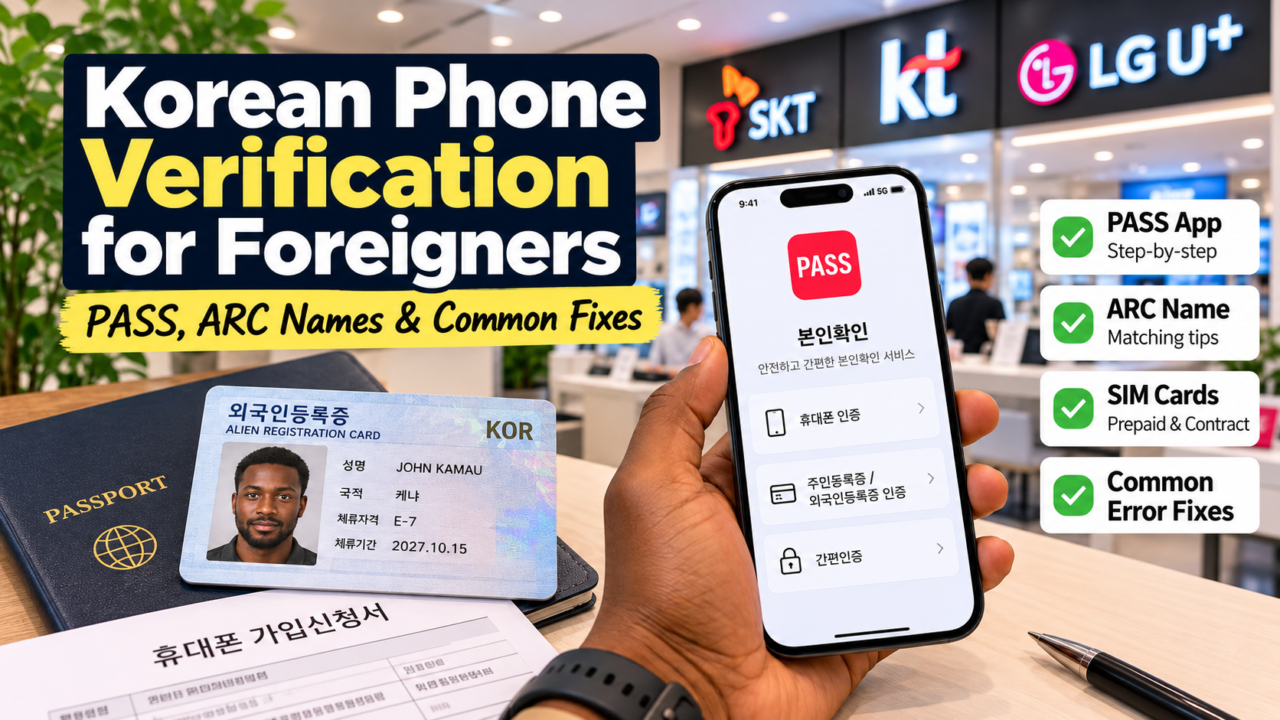
When a Korean website asks for your name during identity verification, start with the format shown on your Residence Card and the format registered with your mobile carrier.
Don’t shorten your middle name. Don’t casually swap the order around. Don’t decide that today is the day your surname deserves a new position.
If the registered format is SURNAME FIRSTNAME MIDDLENAME, entering FIRSTNAME MIDDLENAME SURNAME may look perfectly logical to a human being while still upsetting the verification system.
What I Do When Verification Fails
When mobile verification has failed for me, I normally start with the simplest things first.
I retry the name using the exact capitalisation on my documents. Then I check the spaces. Then I check the order.
Very often, one of those fixes solves the problem.
If it still doesn’t work, I visit the carrier store and ask them to confirm exactly how my name is registered in their system.
You may be entering your Residence Card name correctly while the telecom database has it recorded slightly differently. In that situation, repeatedly typing the same thing seventeen times probably isn’t going to inspire the database to change its mind.
What Is PASS?
You’ll eventually encounter PASS (패스 — pae-seu) if you live in Korea.
PASS is a mobile authentication service used for identity verification and electronic authentication through Korea’s mobile networks.
In my experience, PASS itself has actually been very straightforward. Once I had my Residence Card and Korean phone number properly registered, I didn’t have any real problems using it.
That’s the slightly funny part: the verification system foreigners often expect to be difficult becomes one of the easiest parts once everything underneath it is registered correctly.
If Verification Keeps Failing, Check These First
Start with your name format. Compare it with your Residence Card. Check capital letters, spaces and name order. Make sure the mobile number is registered in your own name.
If you’re still being rejected, visit your telecom carrier and ask them to confirm your registered name.
A useful Korean sentence is:
제 이름이 어떻게 등록되어 있어요?
(Je ireumi eotteoke deungnokdoeeo isseoyo?)
“How is my name registered?”
Five minutes asking that question at a carrier shop can save you an evening of repeatedly typing your own name and slowly becoming angry at the alphabet.
Why You Should Fix This Early
Don’t wait until the moment you desperately need the service.
The worst time to discover a verification problem is when you’re trying to transfer money, access a government website, make a hospital reservation or finish an online purchase.
Once your Residence Card and telecom information match properly, everyday digital life in Korea becomes dramatically easier. That also makes services such as online banking and many of the apps in my essential Korea apps guide much easier to set up.
The Simple Version
Korean mobile verification looks complicated from the outside. Once your details are properly connected, it generally isn’t.
Your Residence Card establishes your registered identity. Your Korean mobile account connects your phone number to that identity. Services such as PASS then help you prove that identity digitally.
The trouble usually starts when one part of that chain formats your information differently from another.
So before assuming Korean verification simply doesn’t work for foreigners, start with the boring stuff: check the name, check the spaces, check the capitals and check the order.
And once you finally discover the exact format that works, remember it.
Tattooing it on your arm is probably excessive.
But after your fifth failed verification attempt, I understand the temptation.
Frequently Asked Questions About Korean Phone Verification
Can foreigners use PASS in Korea?
Yes. Foreign residents who can complete mobile-phone identity verification can use PASS. The official PASS FAQ confirms that foreign residents can use the service when they are eligible for mobile-phone identity verification and can register for the app. In practice, the key is having your Residence Card details and telecom subscriber information registered consistently.
Why does Korean phone verification fail even when my information is correct?
The most common problem I’ve personally experienced is formatting: name order, spacing or capitalisation. If retries fail, ask your carrier exactly how your name is stored in its system.
Does my phone contract name need to match my Residence Card?
For long-term residents, keeping the telecom subscriber name aligned with your Residence Card is extremely important because many Korean services compare those records during identity verification.
Do tourist SIM cards work for Korean identity verification?
A tourist SIM or eSIM is excellent for data and short stays, but it should not be assumed to provide the same resident identity-verification functions as a line registered under your Residence Card.